

What you need to do is input the amount you have collected on sheet 1 column A1, then the meter on sheet 2 will adjust each time you change the amount. If you need to change the goal amount simply double click on the 500, then click on the scale tab and change the number to fit your goal needs. You can also change the colors on the patterns tab.
| File Name: | BT_Chart.xls |
| File Size: | 20 KB |
| File Type: | xls |
| Last Updated Date: | 02/05/2010 |
| Downloads: | 2147 Downloads |


 Affordable Insurance Options for Your Group
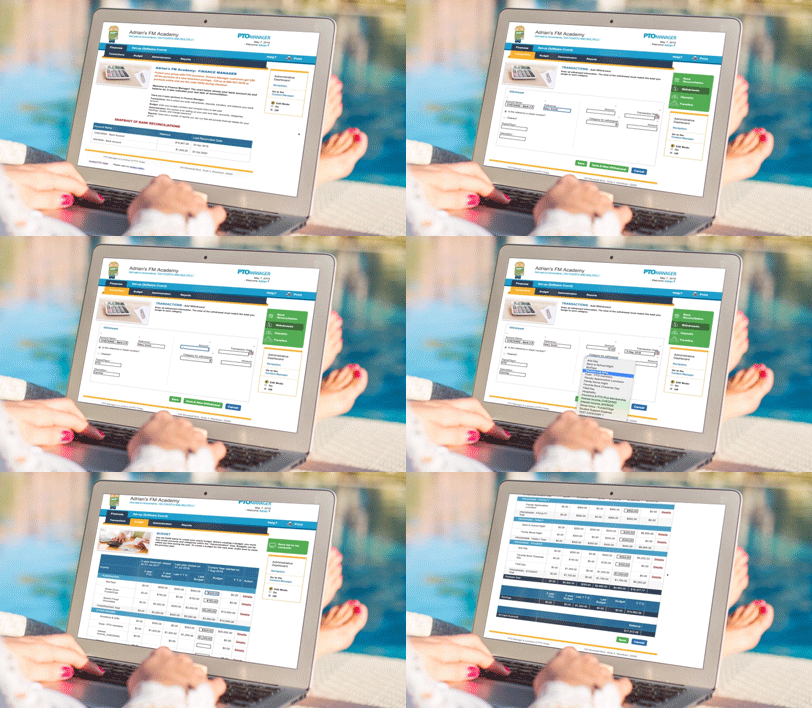 Stress Less Over Your Group’s Books. Try Finance Manager!